


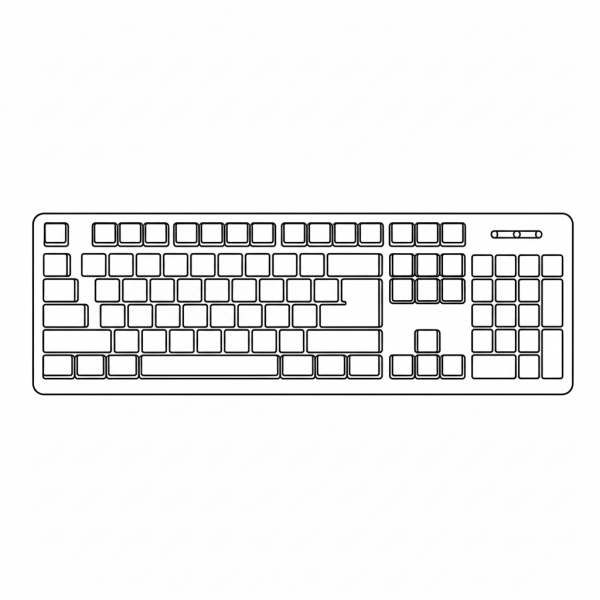
Computer Keyboard
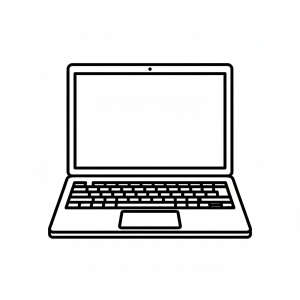
This tactile graphic displays a top-down view of a standard computer keyboard, featuring a rectangular frame filled with a grid of individual keys. It is designed to help students understand the spatial arrangement of a typing interface and the grouping of functional keys.
Please register to download free graphics. It's private and free.
- Graphic Description
- Reviews (0)
Description
This tactile graphic is a foundational tool for Computer Science and Touch Typing lesson plans. The image uses a clear black outline to represent the keyboard’s perimeter and the individual squares and rectangles of the keys, including the larger space bar and enter key. Educators and parents can use this tactile graphic to teach the “home row” concept and the distinct sections of a keyboard, such as the alphanumeric area, the function keys at the top, and the numeric keypad on the right. In a learning exercise, students can practice finger placement and spatial awareness by tracing the rows, providing a tactile bridge to using a physical keyboard and developing efficient typing habits.
Only logged in customers who have purchased this product may leave a review.
Reviews
There are no reviews yet.