


Laptop Computer
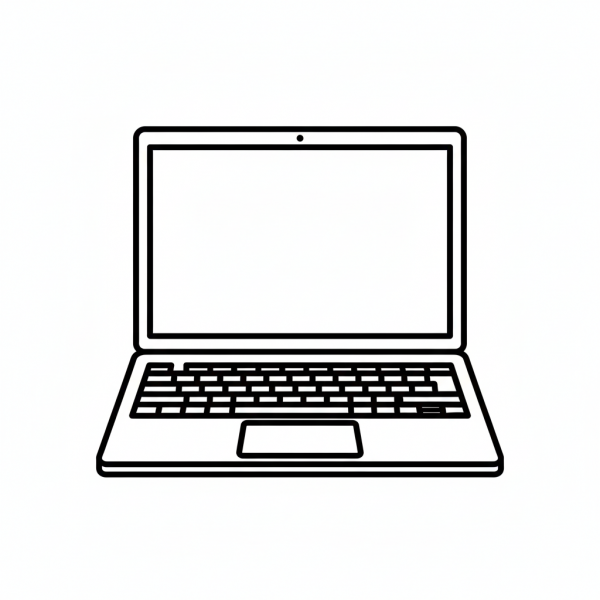
This tactile graphic shows an open laptop from a front-facing perspective, clearly distinguishing the rectangular screen from the base containing the keyboard and trackpad. It serves as a primary resource for identifying the integrated components of portable computing devices.
Please register to download free graphics. It's private and free.
- Graphic Description
- Reviews (0)
Description
This tactile graphic of a laptop computer is an essential tool for Technology and Daily Living Skills lesson plans. The bold outline defines the two main hinged sections of the laptop: the vertical display screen and the horizontal base. Within the base, a grid pattern represents the keyboard, while a smaller rectangle centered below it identifies the trackpad or “mouse” area. Educators and parents can use this tactile graphic to teach students about the ergonomics of a laptop, the location of the power button, and how to navigate the trackpad with their fingers. In a classroom setting, this can be used to compare portable hardware to desktop setups, helping students build a spatial mental map of the devices they will encounter in educational and professional environments.
Only logged in customers who have purchased this product may leave a review.
Reviews
There are no reviews yet.