


Computer Mouse
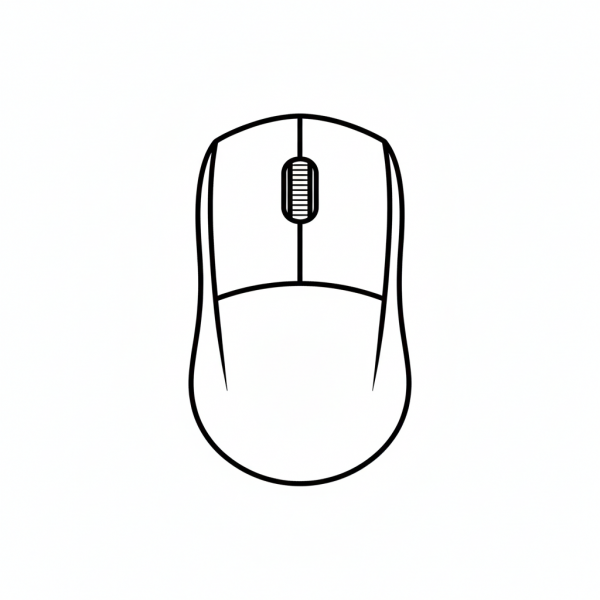
This tactile graphic provides a top-down view of a computer mouse, clearly outlining the left and right buttons and a textured scroll wheel in the center. It is designed to help students identify the primary input device used for navigating digital interfaces.
Please register to download free graphics. It's private and free.
- Graphic Description
- Reviews (0)
Description
This tactile graphic of a computer’s mouse is vital component for Computer Literacy and Assistive Technology lesson plans. The top-down perspective emphasizes the symmetrical design of the point and click device, allowing a student to feel the dividing line between the primary buttons and the distinct, ridged texture of the scroll wheel. Educators and parents can use this tactile graphic to teach basic computing skills, such as clicking, double-clicking, and scrolling, by providing a physical reference for where fingers should be placed. In a learning exercise, this graphic can be paired with a physical mouse to help the student transition from conceptual understanding to practical application, ensuring they can confidently navigate a workstation.
Only logged in customers who have purchased this product may leave a review.



Reviews
There are no reviews yet.