


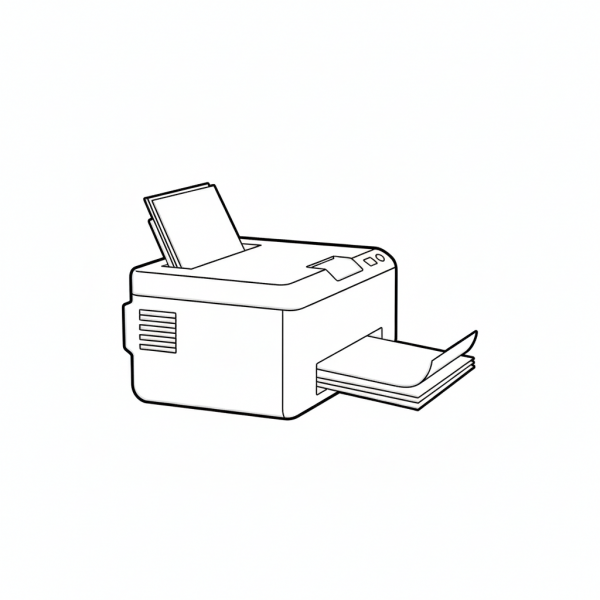
Computer Printer
This tactile graphic shows a three-quarter view of a computer printer, featuring a paper input tray at the back and a finished document emerging from the output tray at the front. It is a practical resource for identifying office hardware and understanding the physical process of printing.
Please register to download free graphics. It's private and free.
- Graphic Description
- Reviews (0)
Description
This tactile graphic is designed for Vocational Training and Office Skills lesson plans. The bold, simplified outline highlights the boxy structure of the printer, with clear tactile distinctions between the main body, the top lid, and the paper paths. Educators and parents can use this tactile graphic to explain how digital information is converted into a physical format, demonstrating where clean paper is loaded and where the finished product is retrieved. In a learning exercise, students can trace the “flow” of paper through the machine, helping them build the spatial awareness needed to operate a real printer, clear paper jams, or restock supplies independently.
Only logged in customers who have purchased this product may leave a review.
Reviews
There are no reviews yet.