
A resource from
American Thermoform & Zychem
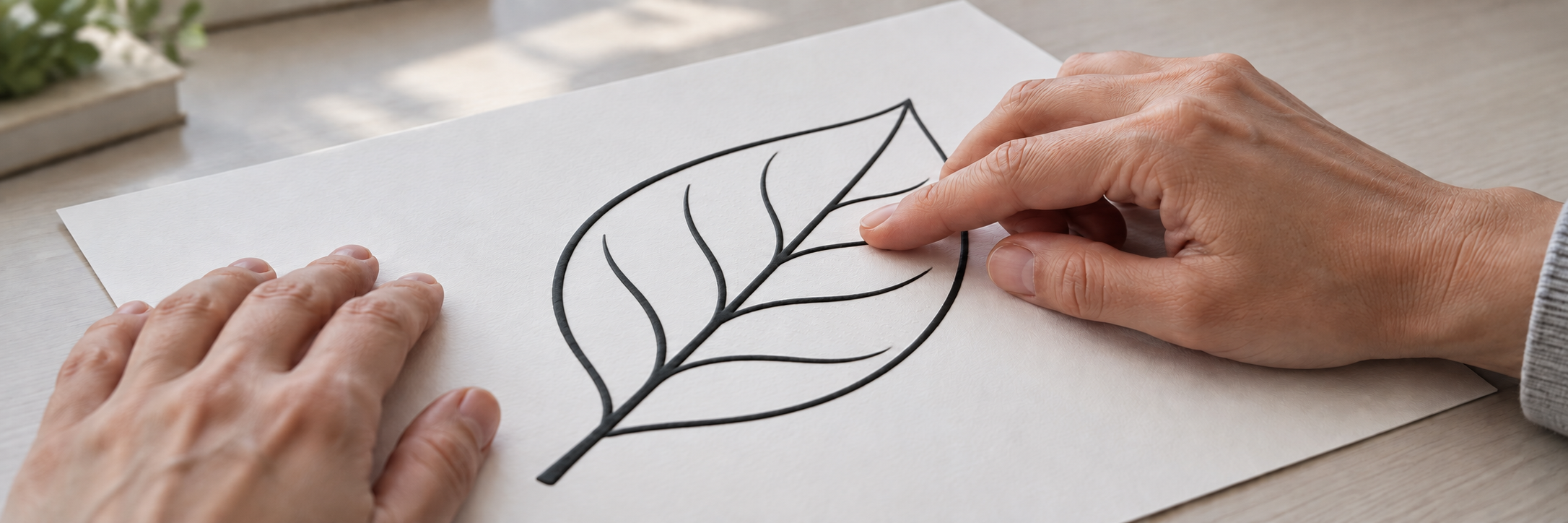
Tactile graphics using swell paper
Provided by American Thermoform and Zychem, Tactile Library is a resource connecting our customers, distributors and the wider accessibility community with graphics collections, specialist design guidance and product support.
Tactile graphics communicate visual information through touch. Raised lines, shapes and textures represent maps, graphs, diagrams and illustrations, helping people who are blind or visually impaired explore concepts and spatial relationships. With swell paper, suitable black designs printed, copied or drawn on the coated surface become raised when the sheet passes through a Swell Form machine.
Graphics collections and specialist guidance
Graphics and templates are available through the collections and search tools below. Downloads take place on the provider’s website; file formats, suitability for swell paper and usage permissions vary.
Downloadable tactile graphics
ProBlind
ProBlind’s Share collection includes tactile graphics in subjects such as mathematics, geography and biology, along with guidance for creating and contributing designs.
Templates for adaptation
American Printing House for the Blind
APH’s Tactile Graphics Image Library provides maps, diagrams and templates that can be adapted for the reader and production method. A free APH image-library account is required.
Search across collections
BTactile
BTactile indexes tactile graphics from libraries around the world. Its “Swell paper” filter helps identify relevant designs, with source links for files and usage terms. Some collections require an account.
Design guidance and standards
The following references represent a few of the many resources available on tactile graphic design and production:
- BANA tactile graphics guidelines — The 2022 guidelines cover design principles, braille labels and the production of readable tactile graphics.
- Lucia Hasty’s tactile graphics resources — Information on tactile graphic design, production methods and teaching, with guidance on planning, readability, labels and keys.
- Marco Schuffelen’s illustrated manual — Worked examples covering maps, graphs, diagrams and science illustrations. This older reference includes some Dutch braille; current braille conventions are covered in the BANA guidelines above.
Frequently asked questions
Answers about finding graphics, choosing materials and producing tactile graphics with swell paper.
Where can I download graphics, and do I need an account?
Tactile Library is free to use and requires no account. The collections and search tools above link to graphics hosted by other organizations. APH requires a free account; access requirements and permissions vary at other providers.
Are downloaded graphics ready to print?
Not always. A graphic needs to suit both swell paper and the intended reader. Templates may need simpler detail, clearer spacing, revised labels or a different paper size. Complex visual images may need substantial adaptation to be understood by touch. The design guidance above explains these considerations; editing may require drawing software.
What is Swell Touch paper?
Swell Touch is Zychem’s heat-activated swell paper, previously known as ZyTex. Swell paper is also called microcapsule or capsule paper. Its specially developed coating raises suitable black printed or drawn areas when processed through a Swell Form machine.
What equipment do I need?
You need a suitable graphic, Swell Touch paper and a Swell Form or Swell Form Pro machine. A compatible printer or copier applies the image to the paper; the Swell Form machine supplies the heat that raises the black areas. Graphics can also be drawn by hand with Swell Touch markers.
Can I draw graphics by hand?
Yes. Draw directly onto Swell Touch paper with Swell Touch markers, then process the sheet in a Swell Form machine. The markers are specially formulated for the paper and are available with thin and thick tips. A printer or copier is not required for this method.
Which printers, copiers and inks can I use?
Swell Touch paper works with a wide range of printers and photocopiers. The device should support your chosen paper size and provide suitable paper handling. Paper-type or feed settings may need adjustment depending on the model.
Most major-brand black printer inks and photocopier toners are suitable. For consistent results, use high-quality carbon-based black ink or toner and refer to the Swell Touch paper user guide for printing instructions. Allow ink to dry fully before processing, and test one sheet before a larger run.
Which side of the paper should I print on?
Print, copy or draw on the off-white, slightly textured matte side. The smooth white reverse is the liner. Check your printer or copier’s feeding orientation before loading Swell Touch paper.
Can I include color?
Yes. Color can add visual detail and contrast alongside raised black features. Colored areas usually remain flat, but some colored inks or markers contain carbon and may rise slightly. Test your chosen materials before producing a complete set.
Can I add braille text or use a braille font?
Yes. Braille text can be incorporated into a graphic using a suitable braille font and correctly transcribed content. Braille produced on swell paper may not match the exact dot size and cell spacing of conventional embossed braille. A qualified braille transcriber, braille translation software and BANA’s tactile graphics guidelines can help ensure the braille is suitable for the reader.
Which machine and paper size should I choose?
Swell Form is designed for on-demand graphics; Swell Form Pro supports higher-volume production at up to 35 pages per minute. Swell Touch paper comes in several standard sizes. The product pages below provide specifications and available options. Zychem can help match the paper size and machine to your application.
What if a graphic does not rise clearly?
Ink or marker compatibility, drying time, line thickness, filled areas and machine settings can affect how clearly a graphic rises. Follow the guide for your machine and test a single sheet before producing a larger batch. For further assistance, Zychem can help troubleshoot the result.
Can finished tactile graphics be reused?
Yes. Finished Swell Touch graphics are durable and can be handled, explored and used repeatedly. Keep sheets flat and avoid folding or creasing them.
Can I share graphics or request help with a design?
Tactile Library does not host uploads or provide a custom graphic design service. Collection providers handle their own contributions, file questions and permissions. ProBlind’s creation guide explains its submission process. For design and braille adaptation, the specialist references above and a qualified educator or transcriber can provide guidance.
Where can I get pricing or product support?
Zychem can help with product selection, pricing, local distributors and technical support. The contact section below provides separate links for purchasing enquiries and support for an existing product.
Product guides and instructions
Find instructions for printing and drawing on Swell Touch paper, operating Swell Form machines, and troubleshooting.
Swell paper and machines for tactile graphics
Zychem manufactures Swell Touch paper and Swell Form machines in-house, controlling quality throughout production. The products below support both on-demand and higher-volume tactile graphics production.
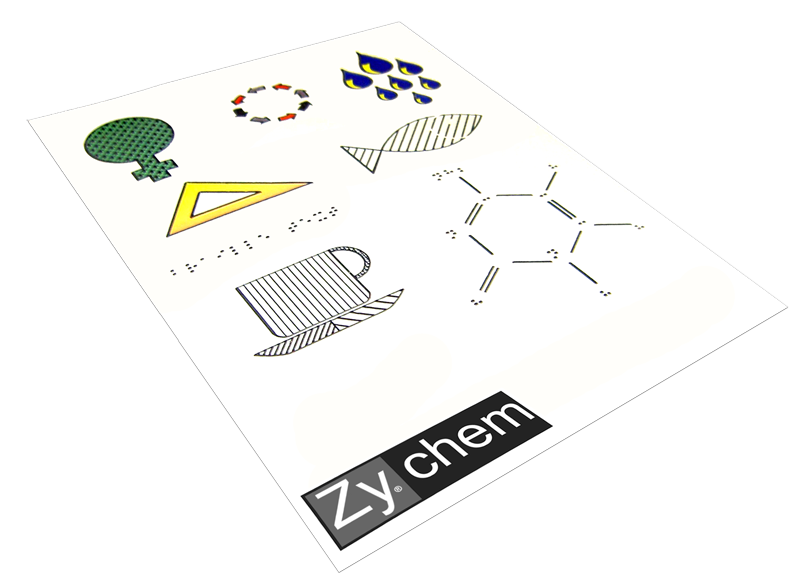
Swell Touch Paper
Heat-activated swell paper with Zychem’s proprietary coating for durable, reusable tactile maps, diagrams and illustrations. Available in a range of standard sizes.
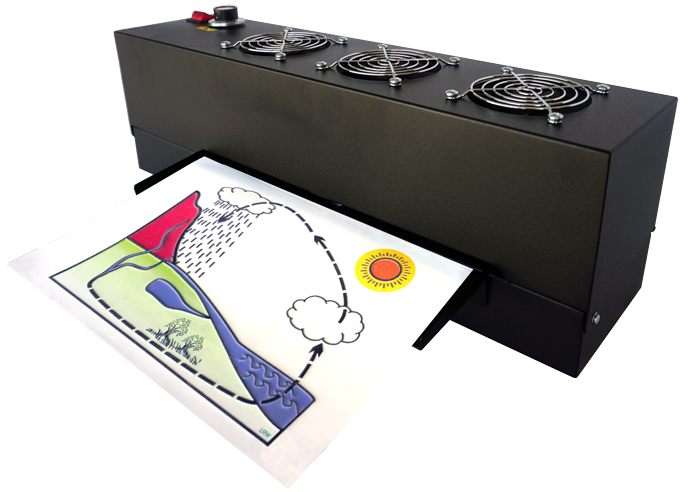
Swell Form Machine
A compact machine for creating tactile graphics on demand. Controlled heat raises suitable black areas on printed, copied or hand-drawn Swell Touch sheets.
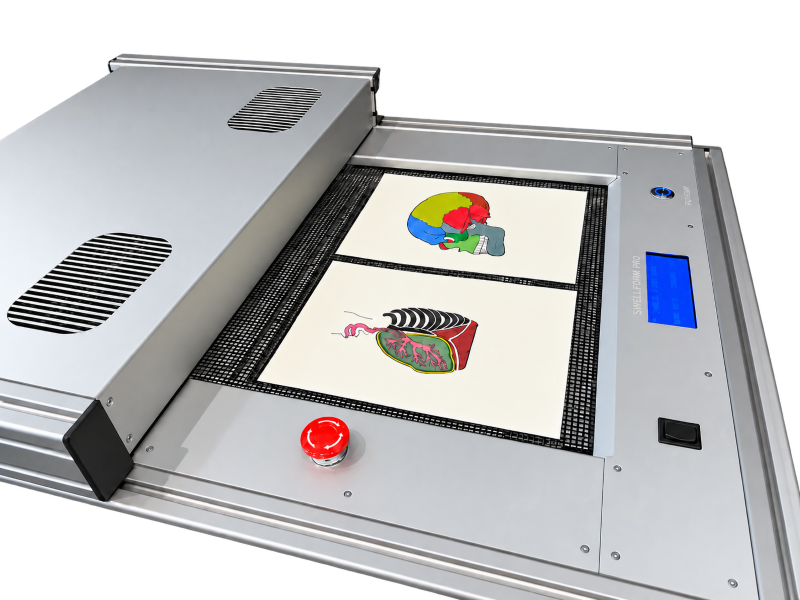
Swell Form Pro
A machine for higher-volume production in schools, publishing and accessibility organizations, with adjustable speed and output of up to 35 pages per minute.
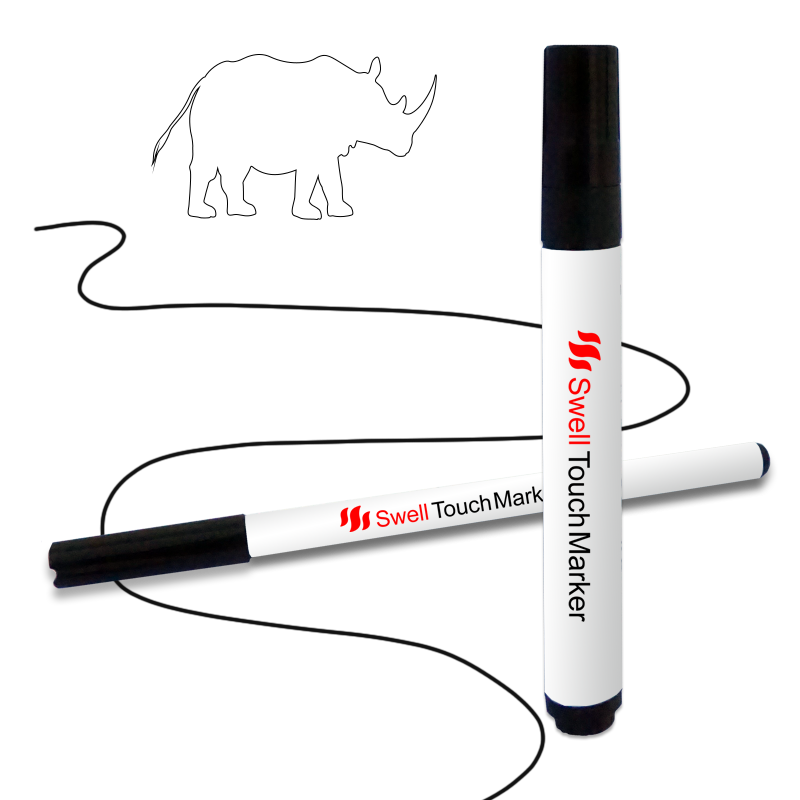
Swell Touch markers
Create graphics directly on Swell Touch paper without a printer or copier. Specially formulated markers are available with thin and thick tips.